
For Windows computers
Take control of your child's computer time
Simple screen time control, always one tap away.
Get startedFree to try. No credit card required.
Today
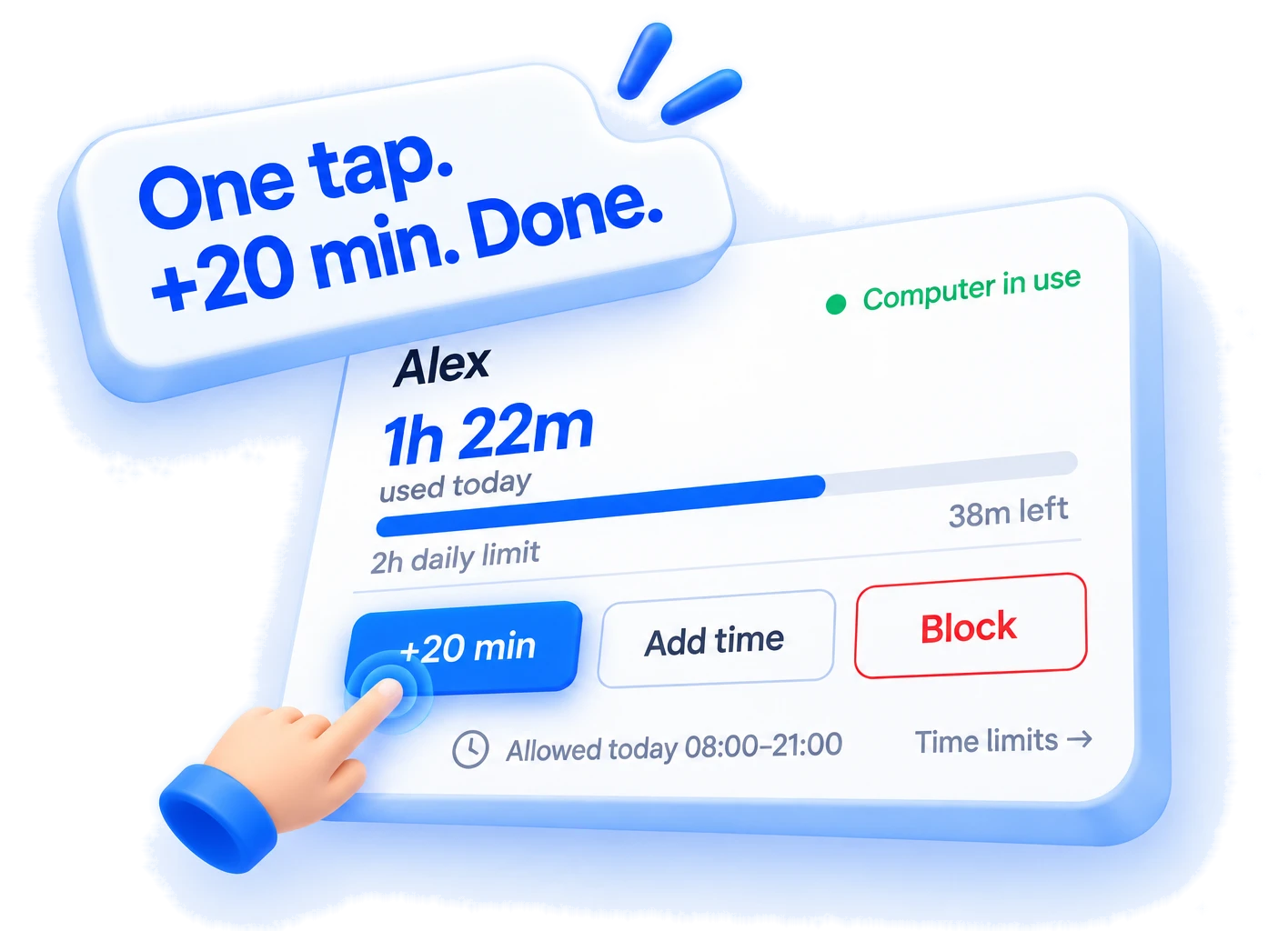
See how much computer time they've used today
1h 22m
used today · 2 h daily limit
38 min remaining
68%Weekly schedule
Every day is different.
Your schedule can be too.
Set different limits and allowed hours for each day.
- Mon Homework 1 h 30 m 18:00–21:00
- Tue Training 1 h 19:00–21:00
- Sat Weekend 3 h 10:00–22:00
Add time
Homework done?
+30 minutes.
Add 15, 30 or 60 extra minutes in just a few seconds whenever your child needs more computer time. Even when you're away from home.

Dinner time
Dinner's ready.
Still playing?
One tap from wherever you are.

Setup
Set up in minutes.
- 1Create account
- 2Add your child
- 3Install the Windows app
- Done